 SiImageGen
Seedream 5 samples and the prompts behind them
Every image below was generated with the Flash model at its 2K setting, one image per request, on October 2, 2026. The quote under each picture is the full prompt, unedited. The copies here are resized to keep the page fast; the originals are 2048 pixels on the long side.
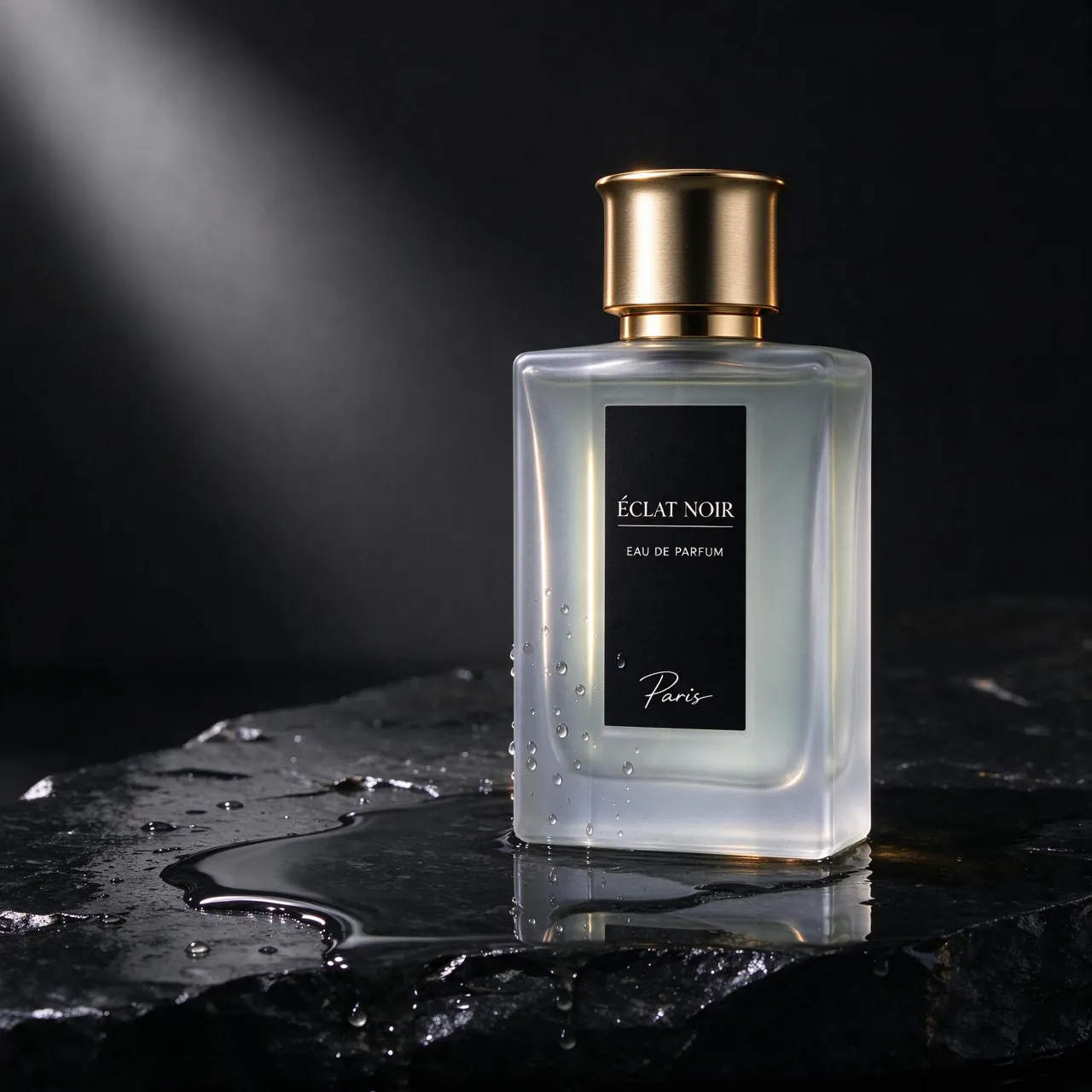
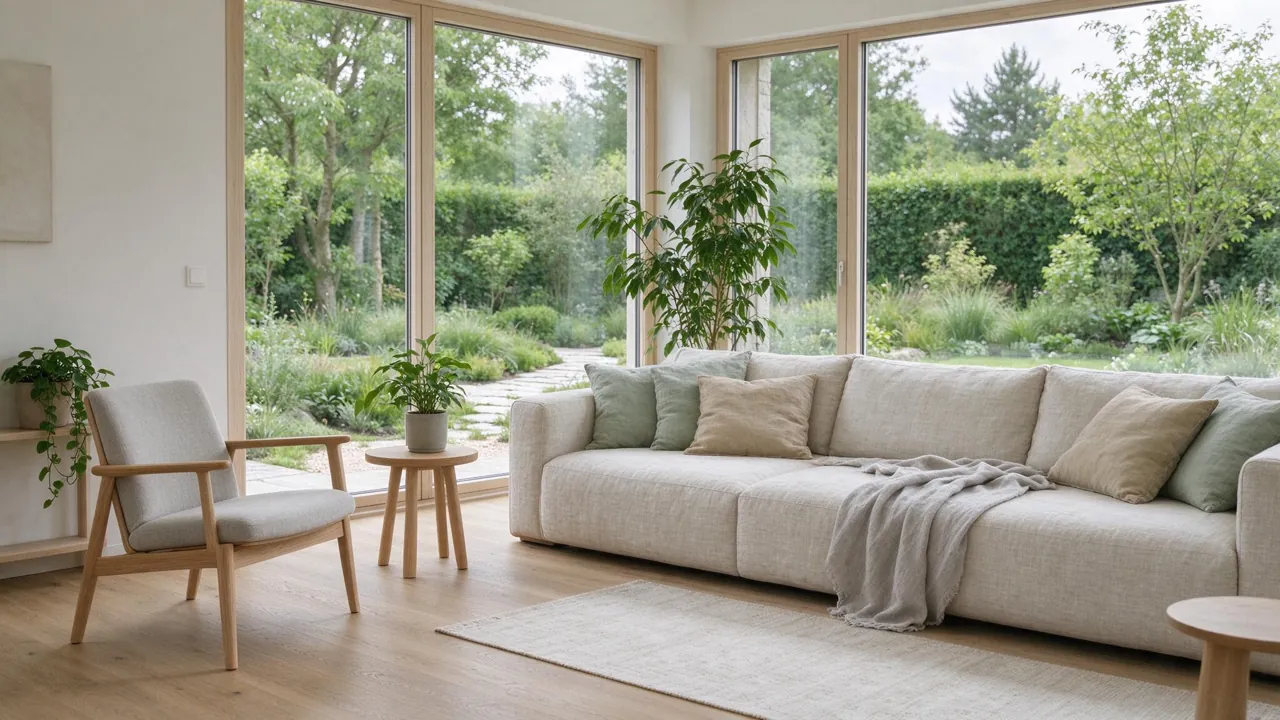


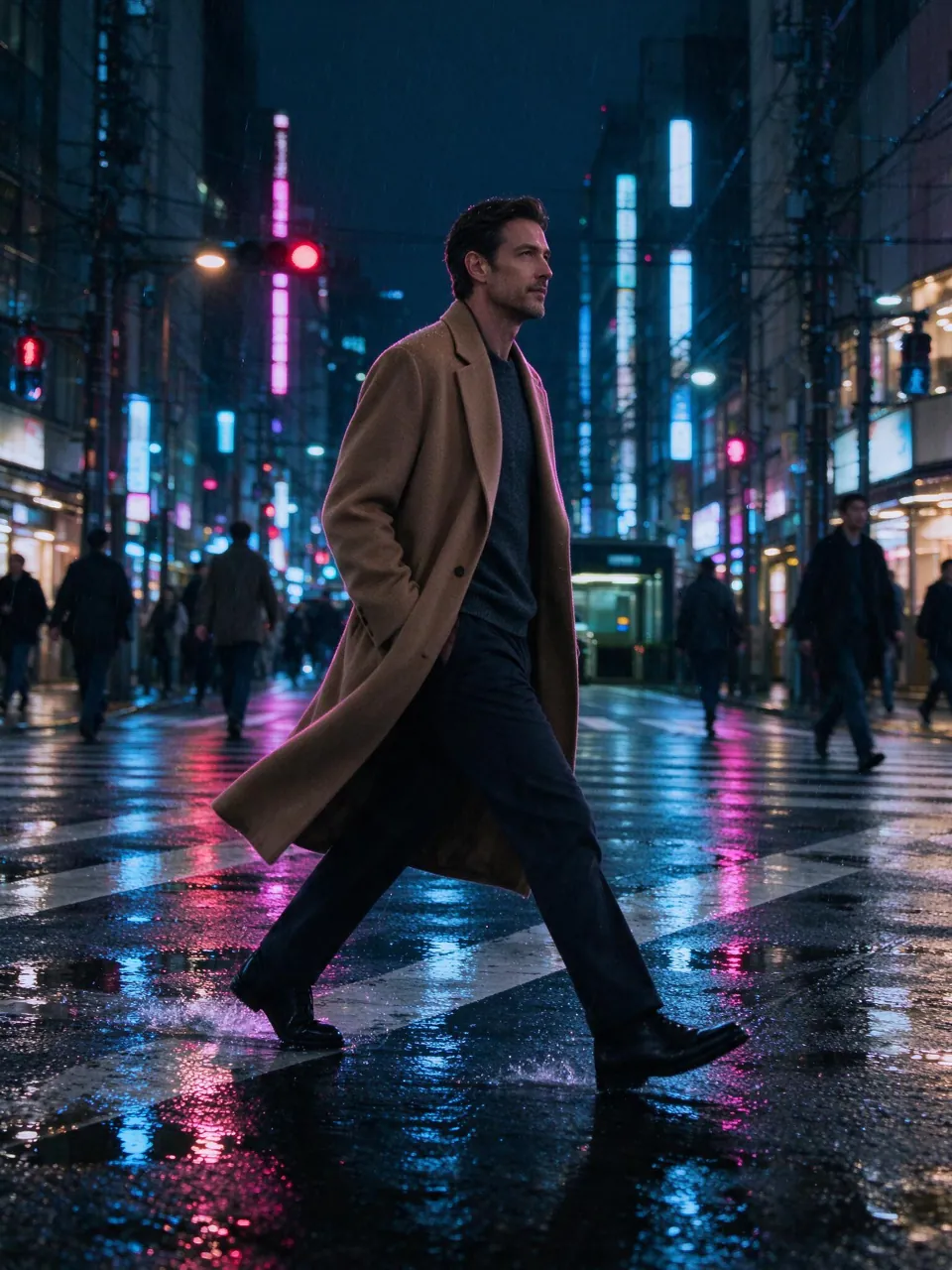
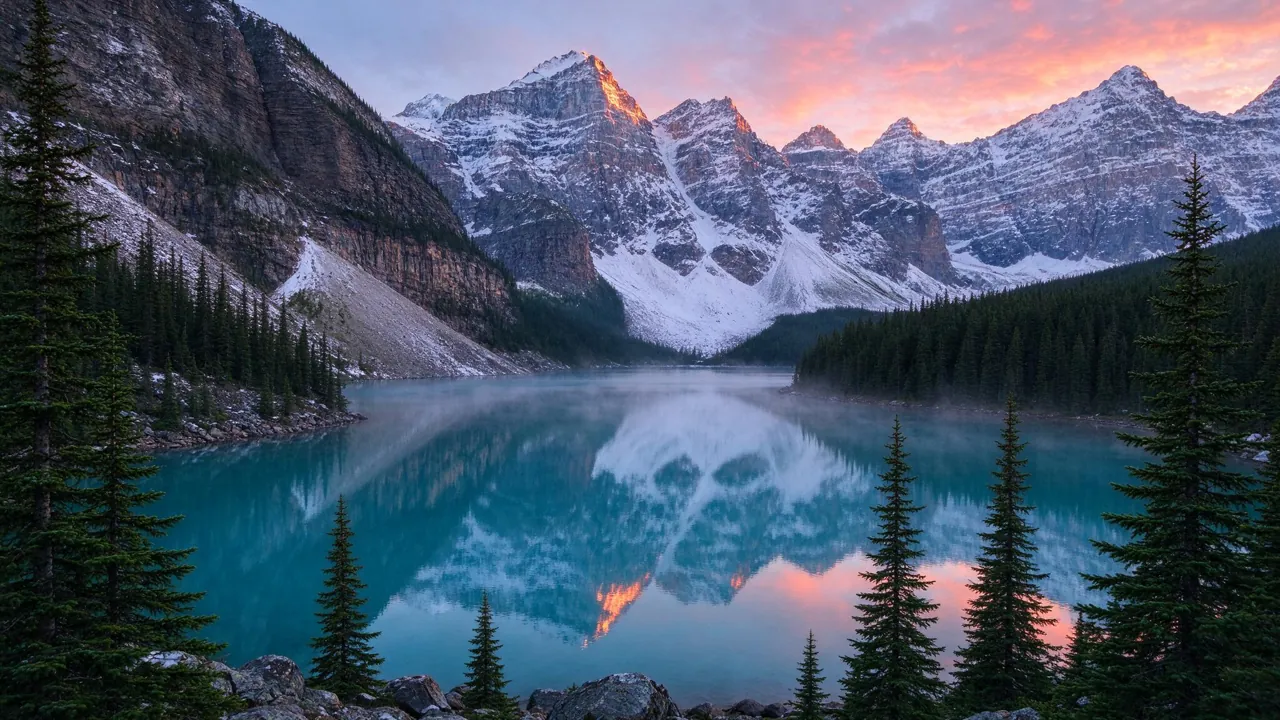

All eight prompts are saved in the template library, where one click loads a prompt together with its model and aspect ratio.
What is Seedream 5?
Seedream 5 is ByteDance’s text-to-image model line, released in three versions. Lite and Pro arrived in July 2026. Flash, the fast and inexpensive member, followed and has been available on fal since September 23, 2026. All three create pictures from a written prompt, edit images you supply as references, and can return several images from a single request.
SiImageGen offers Flash and Pro next to other SI image models such as Flux 3 and Nano Banana 2, all on one credit balance. Flash delivers up to 2K and is the everyday default. Pro costs more per image and aims for richer detail; here it runs at a 1.5K setting.
Seedream 5 price per image
These numbers come from the same catalog our server bills with, so the cost shown in the composer always matches this table. Dollar amounts use the Starter pack rate: $9.90 for 1,100 credits, including its 10% bonus.
| Request | Credits | ≈ Starter price | Images per Starter pack |
|---|---|---|---|
| Seedream 5 Flash | |||
| One image | 10 | $0.09 | 110 |
| Four images in one request | 39 | $0.35 | 112 |
| Edit with reference images | 10 | $0.09 | 110 |
| Seedream 5 Pro | |||
| One image | 25 | $0.23 | 44 |
| Four images in one request | 98 | $0.88 | 44 |
| Edit with reference images | 25 | $0.23 | 44 |
Editing costs the same as generating. A batch is priced as one request and rounded once, which is why four Flash images cost 39 credits rather than 40. If a request fails, the credits return to your balance on their own. Bigger packs carry more bonus credits; compare them on the pricing page.
How to use Seedream 5 online
- Write the prompt in the box at the top of this page. Flash is already chosen; open the model menu if you want Pro instead.
- Pick a shape and a count: 1:1, 4:3, 3:4, 16:9, 9:16, and one to four images per request.
- Add references to edit. The Image button uploads up to four pictures (JPG, PNG or WebP) and turns the box into an editor; then describe the change.
- Generate. Sign in when asked and the request starts; you land in the create workspace, where finished images can be downloaded, reused or edited again.
Seedream 5 Flash or Pro?
| Compared | Flash | Pro |
|---|---|---|
| Credits per image | 10 | 25 |
| Output on this site | 2K | 1.5K |
| Images per request | 4 | 4 |
| Reference images for edits | 4 | 4 |
| Strength | speed and price | richer detail |
Flash is the one to explore with. At 10 credits an image you can ask for four versions, keep the best composition, tighten the wording and go again without watching your balance. Pro costs about 2.5 times as much per image, so bring it in once the prompt already works: for the main visual of a campaign, a large print, or a scene full of fine materials where detail decides whether it looks real.
Product photos and interiors with Seedream 5
Product imagery is where Flash pays for itself. The perfume shot above came from a single prompt, and the model added details we never asked for: the bottle’s reflection in a puddle on the stone, and even a label that reads “Éclat Noir”. Invented branding is fine for a mood board but wrong for a real listing, so for your own product, upload a photo of it as a reference and describe only the new setting. The skincare flat lay shows the other format online shops rely on: top-down, soft shadows and props arranged around the products.
Interiors work the same way. The Scandinavian living room has straight window frames, believable oak boards and daylight falling across the linen sofa, which makes renders like it useful for mood boards, styling ideas and early client conversations. If you show such images to buyers or tenants, label them as concepts, not photos of a real home.
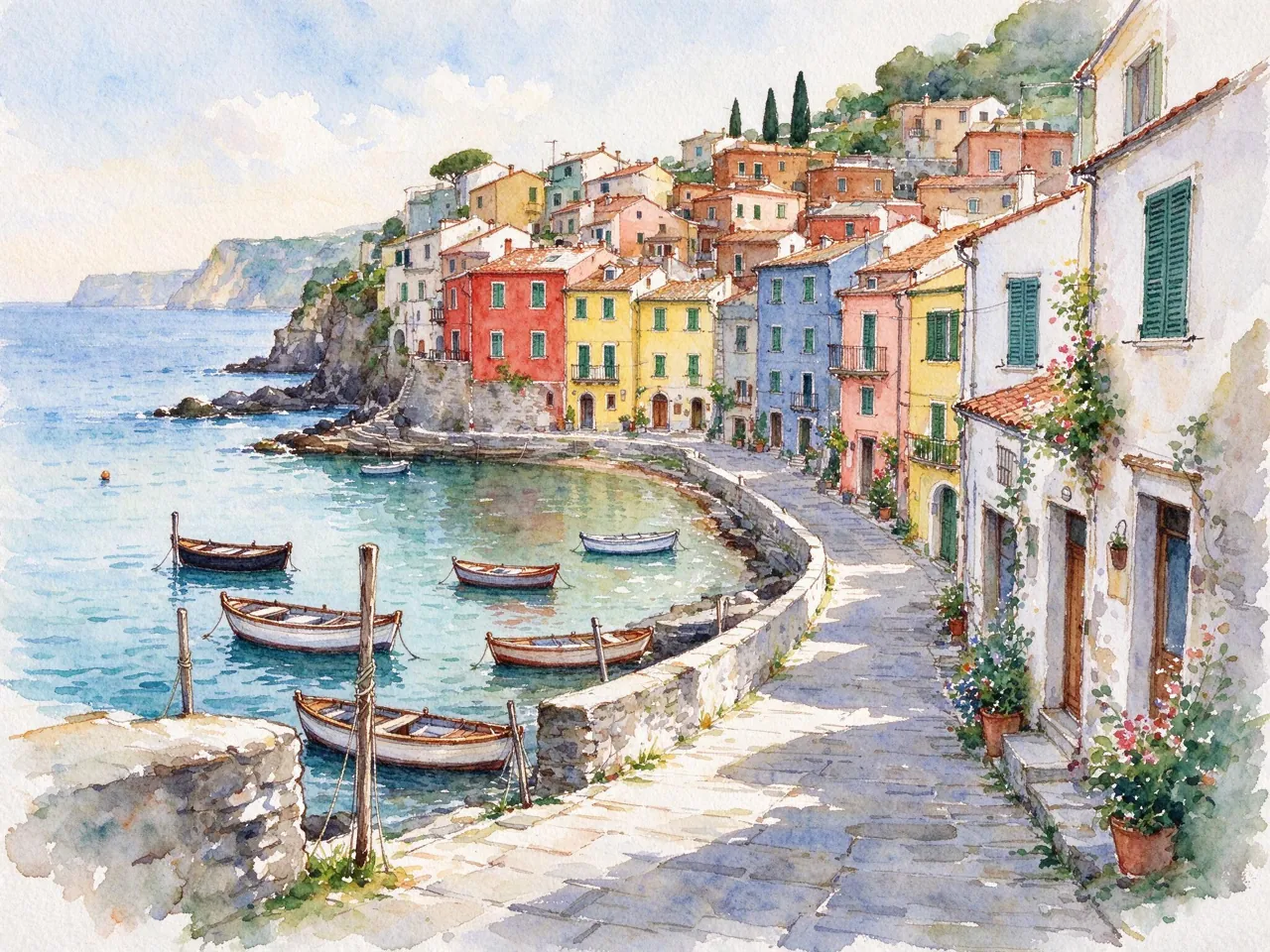
Food, landscapes, fantasy art and watercolor came out of the same settings, so one model can cover a whole content calendar. Want movement? Animate a still with the SI video generator at SiVideoGen, our sister site.
Prompt habits for product and room shots
- Name the photo type early — “studio product photo”, “minimal flat lay”, “architectural interior photography” — so the model knows the genre before the details arrive.
- Choose materials on purpose. Frosted glass, wet stone, beige linen and light oak all show up in the results above because the prompts asked for them.
- Describe the light the way a photographer would: soft rim light, morning shadows, daylight from a large window.
- Leave lettering out unless you need it, or the model may invent a label for you; put any words you do want in quotes.
- Explore in batches. Ask for four images, keep the strongest composition, then change one phrase at a time.
Seedream 5 FAQ
Is Seedream 5 free?
You can start free: a new account created with Google receives 50 credits, enough for five Flash images. After that you pay per image from credit packs that start at $9.90, with no subscription. Every image runs on paid GPUs, so the free credits are a way to judge quality before you buy, not a permanent plan.
Which versions can I use here?
Seedream 5 Flash and Seedream 5 Pro. Lite, which ByteDance released alongside Pro in July 2026, is not offered on SiImageGen.
What resolution does the Flash version produce?
2K. Our square images measured 2048 × 2048 pixels, 16:9 images 2048 × 1152 and 3:4 portraits 1536 × 2048. Pro runs at a 1.5K setting on this site.
Can Seedream 5 edit my photos?
Yes. Upload up to 4 images with the Image button and describe the change: a new background, another season, a different color for the product. An edit costs the same 10 credits as a new Flash image.
Can I use the images commercially?
Yes. You own what you generate and can use it in personal and commercial projects, within our Terms of Service and ByteDance’s usage policies. We add no visible watermark.
Seedream is a trademark of ByteDance. SiImageGen is an independent service that runs the model through fal.ai’s model API and is not affiliated with ByteDance.