 SiImageGen
Nano Banana 2 before and after: one real edit
The starting point was a studio product photo we generated with Seedream 5 Flash. We uploaded it as the only reference and asked for a summer beach version — no mask, no selection, no layers, just the sentence under the second image.
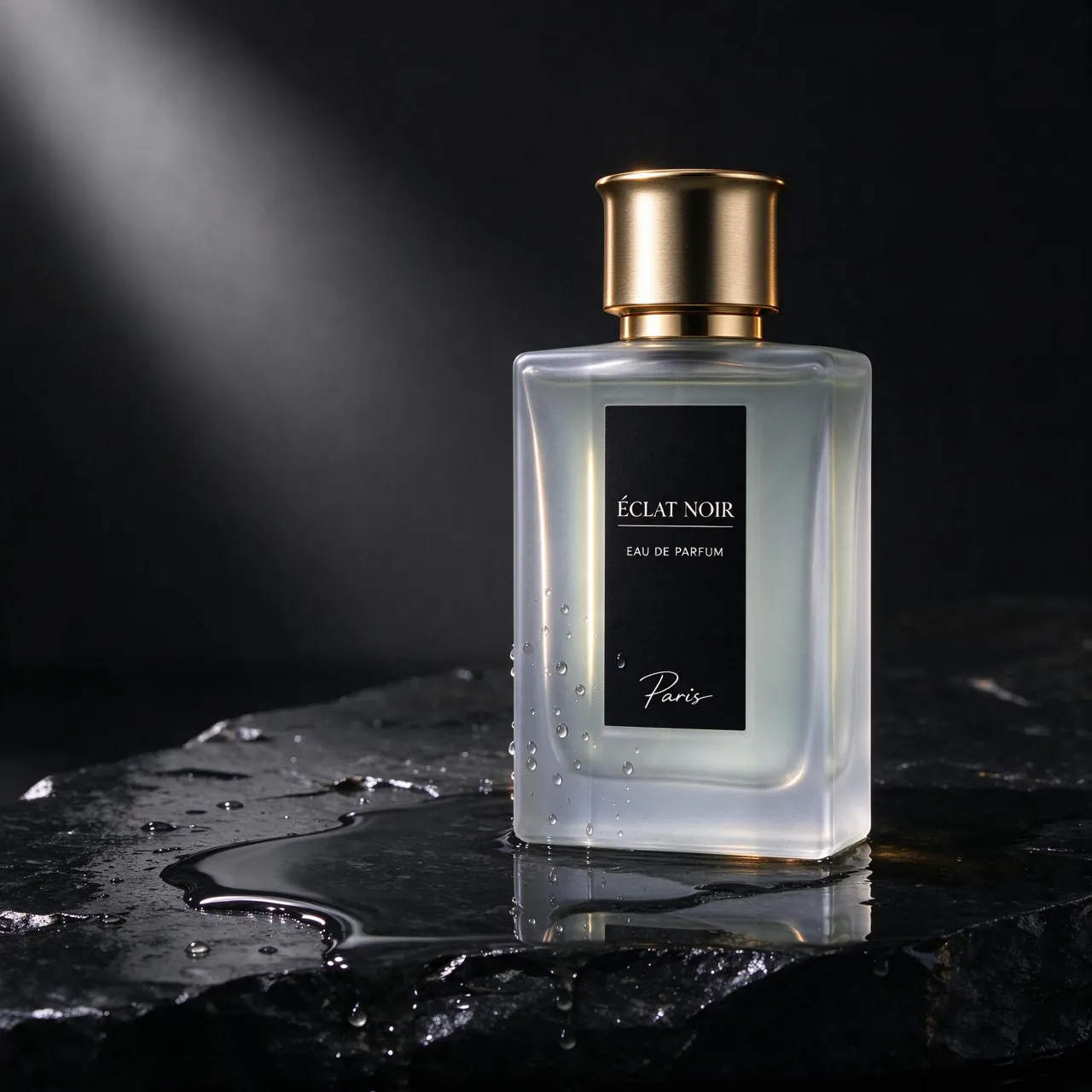
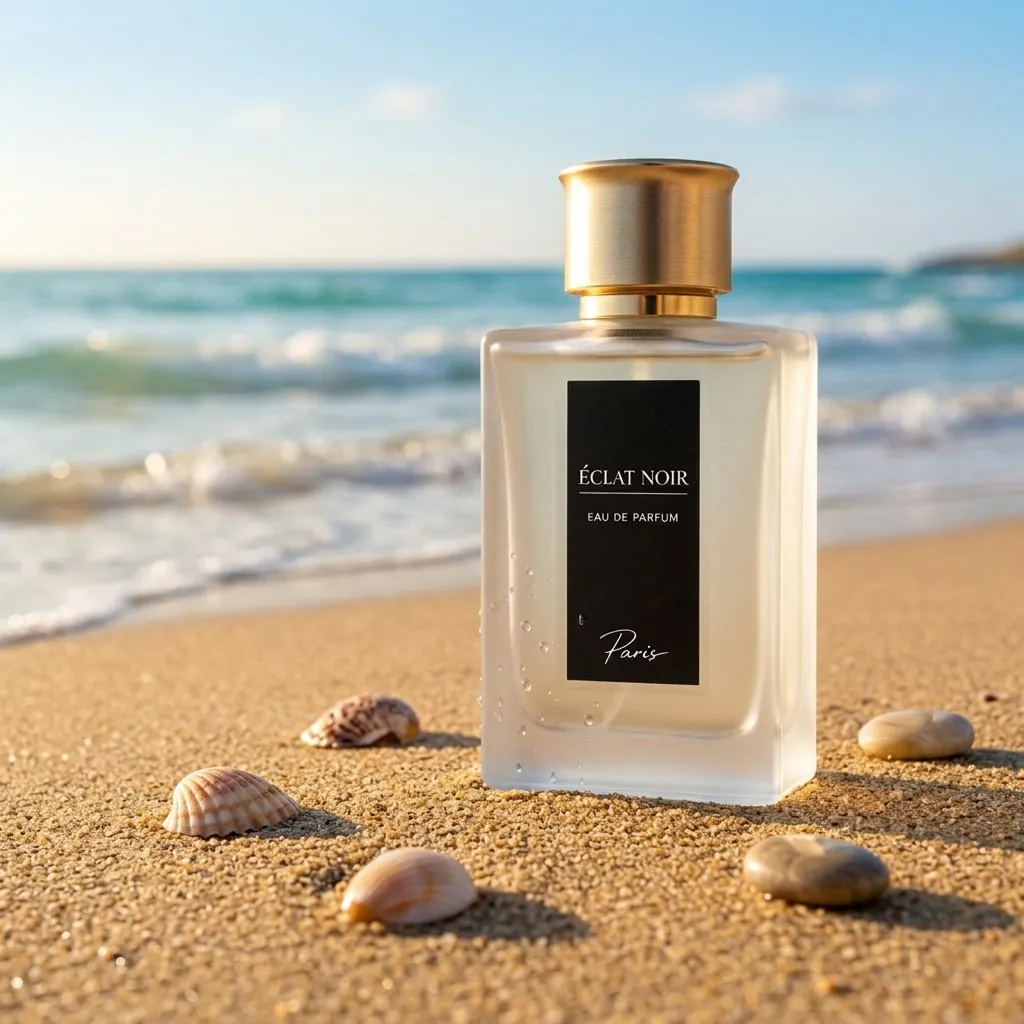
Compare the two. The frosted glass, the gold cap and the black label, down to the small “Éclat Noir” and “Eau de Parfum” lettering, came through intact and still legible. Everything around the bottle is new: warm sand, scattered shells, rolling waves and bright summer light in place of the dark, rim-lit studio. The phrase doing the heavy lifting is the last part of the prompt, which spells out what to keep.
How to edit a photo with Nano Banana 2
- Upload. Press Image in the box above and choose the photo to change; you can attach up to four references.
- Describe the change as an instruction: “replace the background with a snowy street”, “turn the scene to dusk”, “make the jacket red leather”.
- Protect what matters. Name what must not change — the face, the logo, the product — the way the perfume prompt does.
- Pick 1K or 2K and press Generate. The result opens in your workspace; use it as the next reference to refine step by step.
With several references, say which picture supplies what: “the woman from the first photo wearing the coat from the second”. One change per request is easier to steer than five at once, and every round costs the same as a new image.
Edits worth asking for
Most requests fall into a handful of patterns. Each line below is an instruction you could paste into the box above with your own photo attached:
- New background: “put the mug on a rustic wooden table by a window, morning light”.
- Different time or weather: “make it a rainy evening with wet pavement and glowing shop windows”.
- Another color or material: “change the sofa to dark green velvet”, handy for showing one product in several finishes.
- Clean-up: “remove the cables and the paper cup from the desk”.
- Restyle: “turn this photo into a soft watercolor illustration with the same composition”.
Consistent characters and readable text
Character consistency is the other reason people reach for this model. Start with one clear picture of your character, generated here or uploaded, use it as the reference for each new scene and describe only what changes: the pose, the outfit, the place. For a long series such as a comic, a storyboard or a mascot’s weekly posts, keep feeding in the latest good image.
Lettering is a strength too. Put the exact words in quotes, keep them short and say where they sit: a café chalkboard that reads “Open late”, a mug with “Monday” in white script. Proofread before you publish; for posters and logos built around type, Ideogram 4.5 in the same model menu is made for that job.
Fixing an edit that misses
Results vary from run to run, so treat the first output as a draft. When something is off, a targeted follow-up tends to work better than starting over:
- Too much changed? Repeat what must stay: “keep the face, hair and expression exactly the same”.
- Lighting looks pasted on? Say where the light comes from in the new scene, such as “low sun from the left”.
- Lettering came out wrong? Cut it to a few words and put them in quotes.
- Not sharp enough for print? Rerun the final version at 2K.
Made from text alone
Not every project starts with a photo. These two came from a prompt only, at 1K:
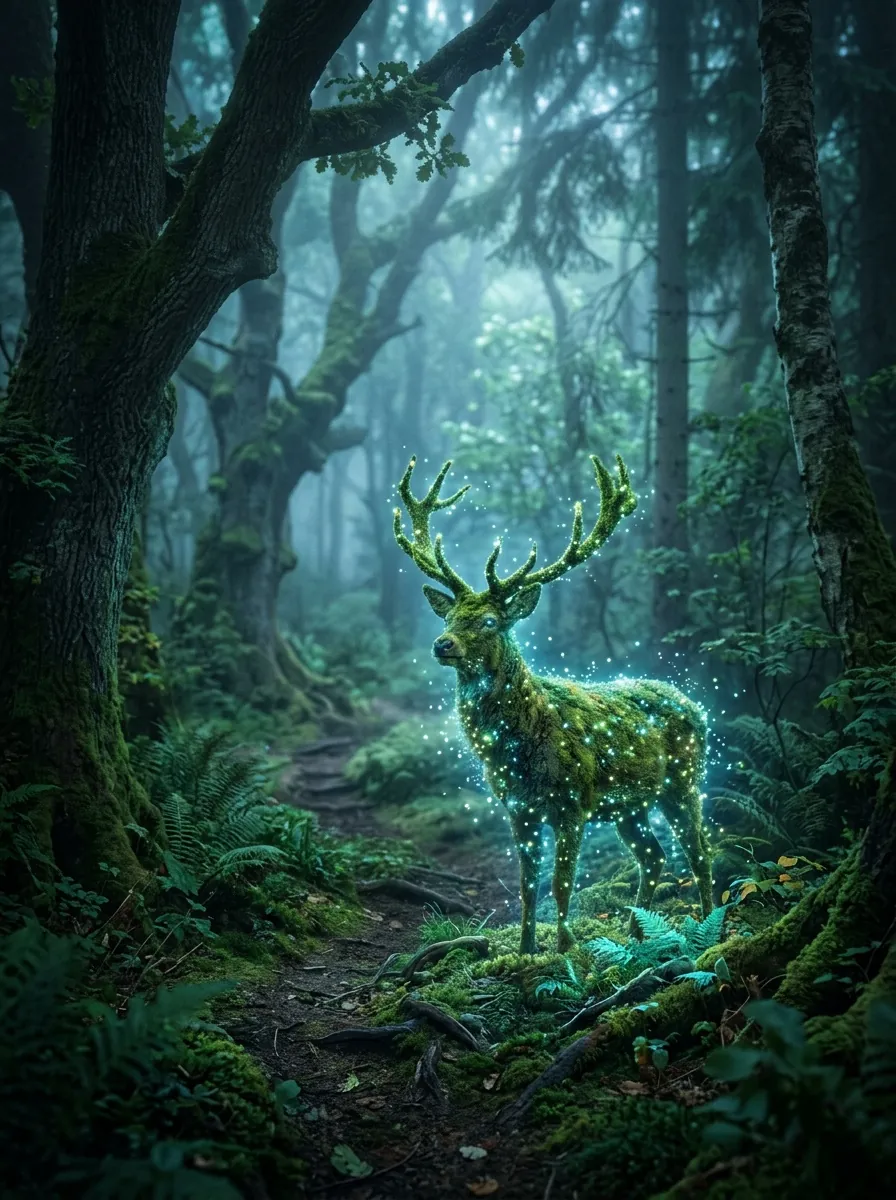
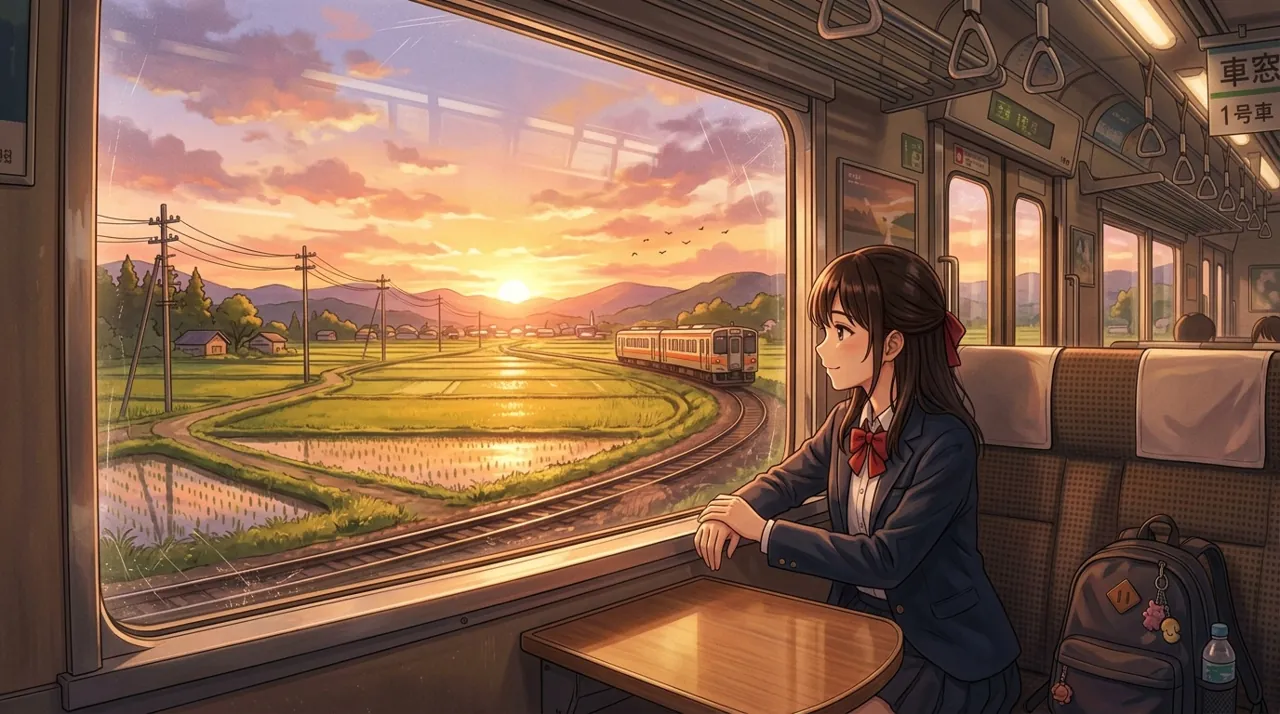
At 1K, the portrait-format forest scene measured 896 × 1200 pixels and the widescreen train scene 1376 × 768. Choose 2K when you need room to crop or print. Both prompts are in the templates, ready to load.
Nano Banana 2 vs Nano Banana Pro: price per image
Nano Banana Pro is Google’s top tier and is priced like one. On SiImageGen both versions edit with up to four references, return up to four images per request and run at 1K or 2K. The difference is cost:
| Request | Credits | ≈ Starter price | Images per Starter pack |
|---|---|---|---|
| Nano Banana 2 | |||
| 1K | 29 | $0.26 | 37 |
| 2K | 44 | $0.40 | 25 |
| 1K, four per request | 116 | $1.04 | 36 |
| 1K edit | 29 | $0.26 | 37 |
| Nano Banana Pro | |||
| 1K | 54 | $0.49 | 20 |
| 2K | 54 | $0.49 | 20 |
Edits are billed exactly like new images. Pro costs the same at 1K and 2K, so if you pay for it, take the larger size. For most work version 2 is the better value: one Pro image costs about 1.9 times as much as a 1K image from the standard model. Draft and refine on version 2, then rerun only the final on Pro if a complex scene needs it. Pack sizes are on the pricing page.
For brand-new photoreal generation, see Flux 3. And when an edit is finished and should move, the SI video generator at SiVideoGen turns stills into short clips.
Nano Banana 2 FAQ
Is Nano Banana 2 free?
To start, yes. New Google sign-ups receive 50 credits and a 1K image costs 29, so your first image is covered, with 21 credits left for two Seedream 5 Flash drafts. After that you pay per image from credit packs starting at $9.90; there is no subscription.
Do I need a Gemini subscription or an API key?
No. You sign in to SiImageGen and we call the model for you, so there is no Google AI plan to buy and no key to manage.
Why is it called Nano Banana?
Nano Banana is the popular name for Gemini image generation. Nano Banana 2 is the version this page runs, and Nano Banana Pro is the premium tier of the same family.
Which sizes and shapes can I choose?
The provider supports 0.5K, 1K, 2K and 4K. SiImageGen offers 1K and 2K in eight aspect ratios: 1:1, 4:3, 3:4, 16:9, 9:16, 3:2, 2:3, 21:9.
How many photos can one edit combine?
Up to four reference images per request, and you can ask for up to four results at a time.
Google and Gemini are trademarks of Google LLC. SiImageGen is an independent service that runs the model through fal.ai’s model API and is not affiliated with Google.